


SEAFOOD
海洋天堂
Android
QR code
Version:
v1.0
Launch the code and choose device to download.
Scroll down to view the installation tutorial
向下滑動查看安裝教程
STEP 1
Click to download and install
點擊下載安裝

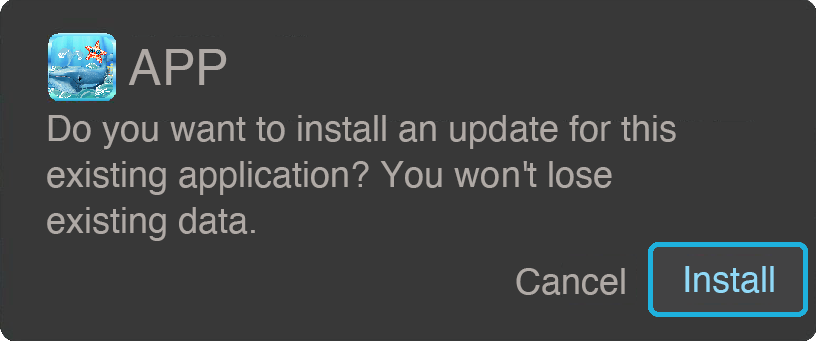
STEP 2
An installation prompt pops up, click Install
彈出安裝提示,點擊安裝
STEP 3
After the installation is complete, the APP will be downloaded successfully.
安裝完成後APP即下載成功
STEP 1
Open the QR code in Safari and click to download
以Safari打開QR code,並點擊下載

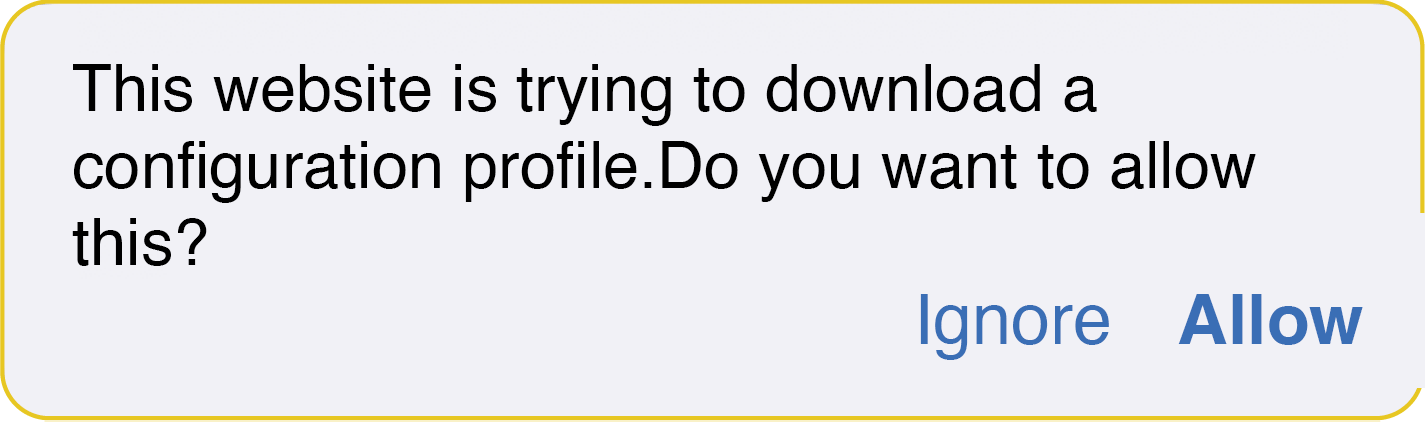
STEP 2
Allow profile downloads
允許下載描述檔
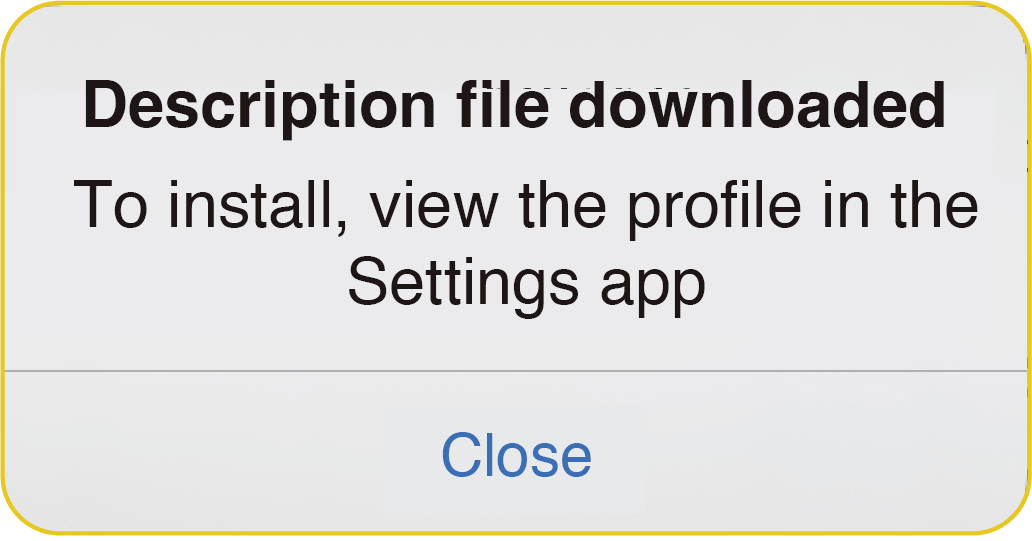
STEP 3
Click Close and go to "Settings" to view the profile
點選關閉,並至「設定」檢視描述檔
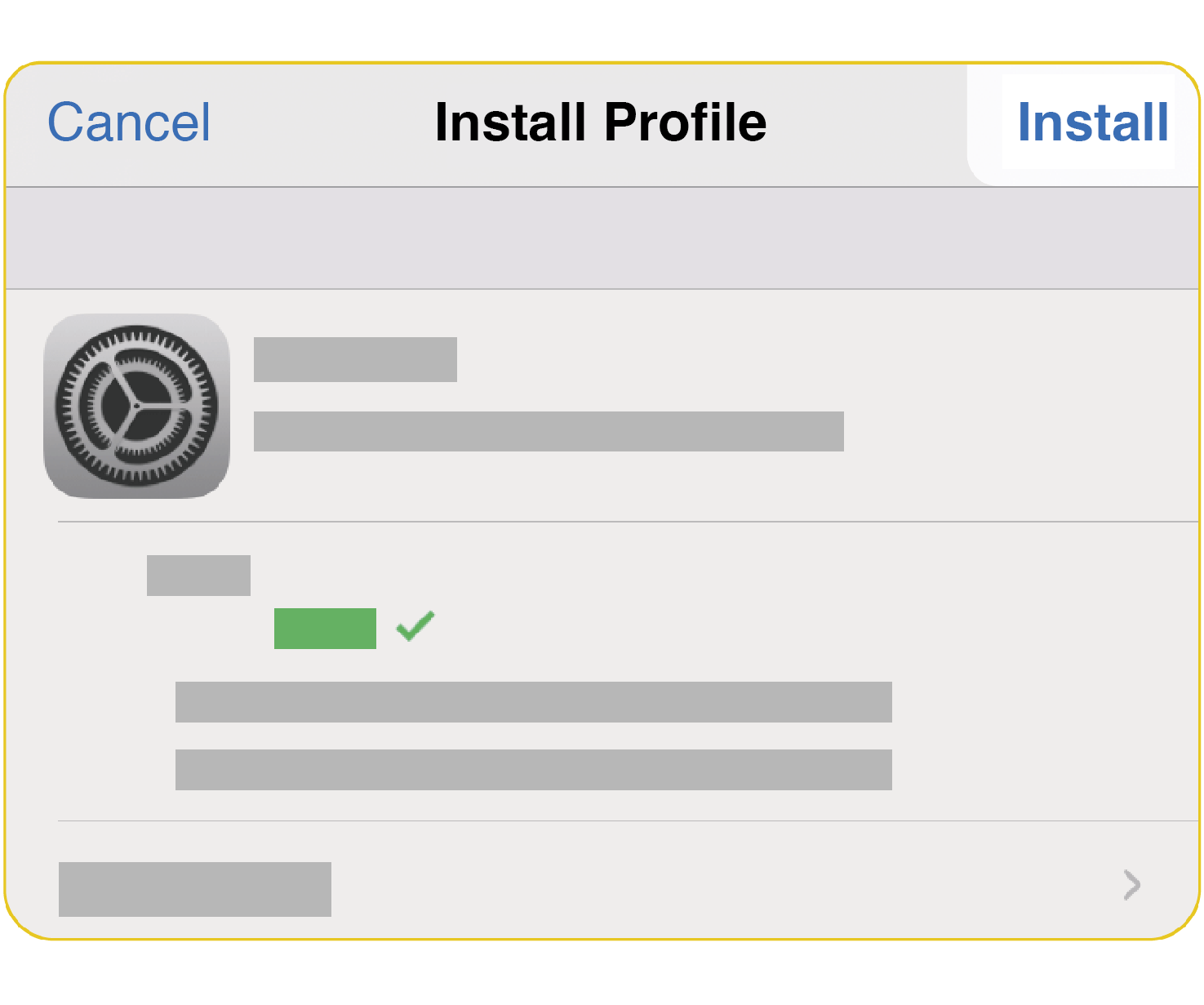
View the description file and click Install
檢視描述檔後點擊安裝
STEP 4
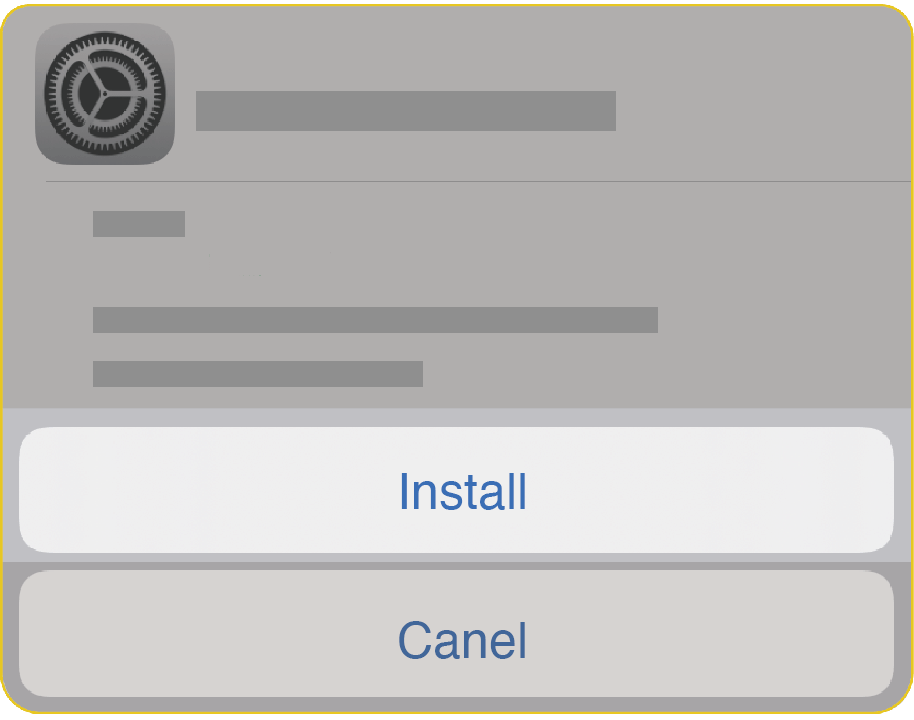
Click to install the description file
點擊安裝描述檔
STEP 5
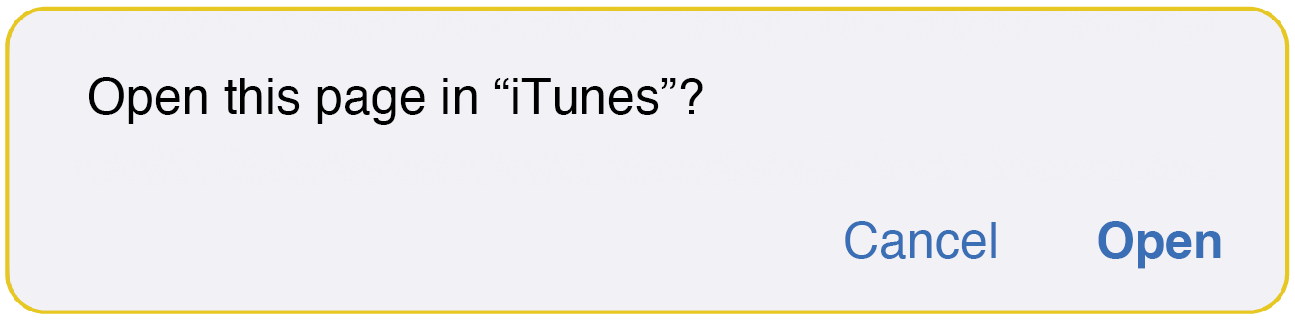
After the description file is installed, click to open this webpage
描述檔安裝完成後,點選打開此網頁
STEP 6
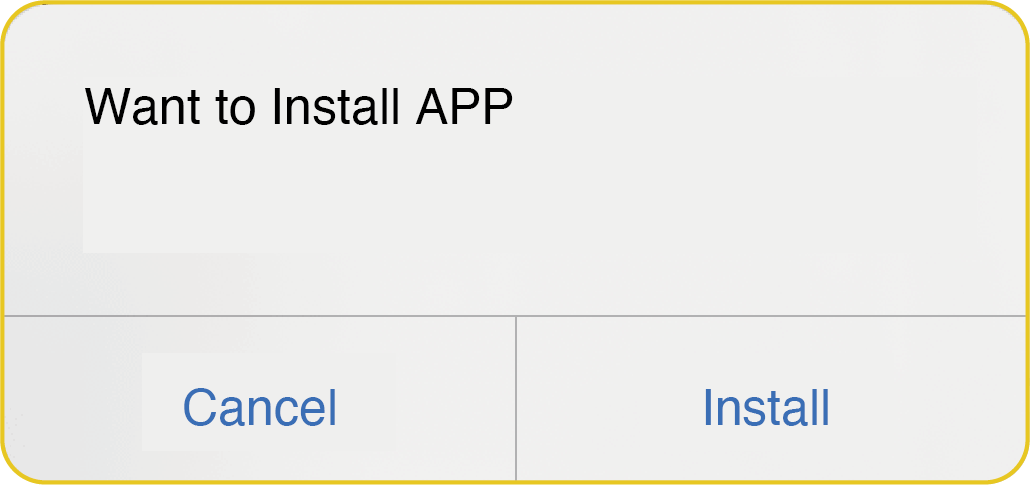
After the installation is completed, the APP will be downloaded successfully
安裝完成後APP即下載成功
 Android
STEP 1
Click to download and install
點擊下載安裝
STEP 2
An installation prompt pops up, click Install
彈出安裝提示,點擊安裝
STEP 3
After the installation is completed, the APP will be downloaded successfully
安裝完成後APP即下載成功
STEP 1
Open the QR code in Safari and click to download
以Safari打開QR code,並點擊下載
STEP 2
Allow profile download
允許下載描述檔
STEP 3
Click to close and go to "Settings" to view the profile
點選關閉,並至「設定」檢視描述檔
View the description file and click Install
檢視描述檔後點擊安裝
STEP 4
Click to install the description file
點擊安裝描述檔
STEP 5
After the description file is installed, click to open this webpage
描述檔安裝完成後,點選打開此網頁
STEP 6
After the installation is completed, the APP will be downloaded successfully
安裝完成後APP即下載成功